01
Browser-Based Wrap Editor
Create Tesla Wraps in your browser without installing design software. Start with a reference image or a simple color idea; Photoshop is not required.
01 / The collection
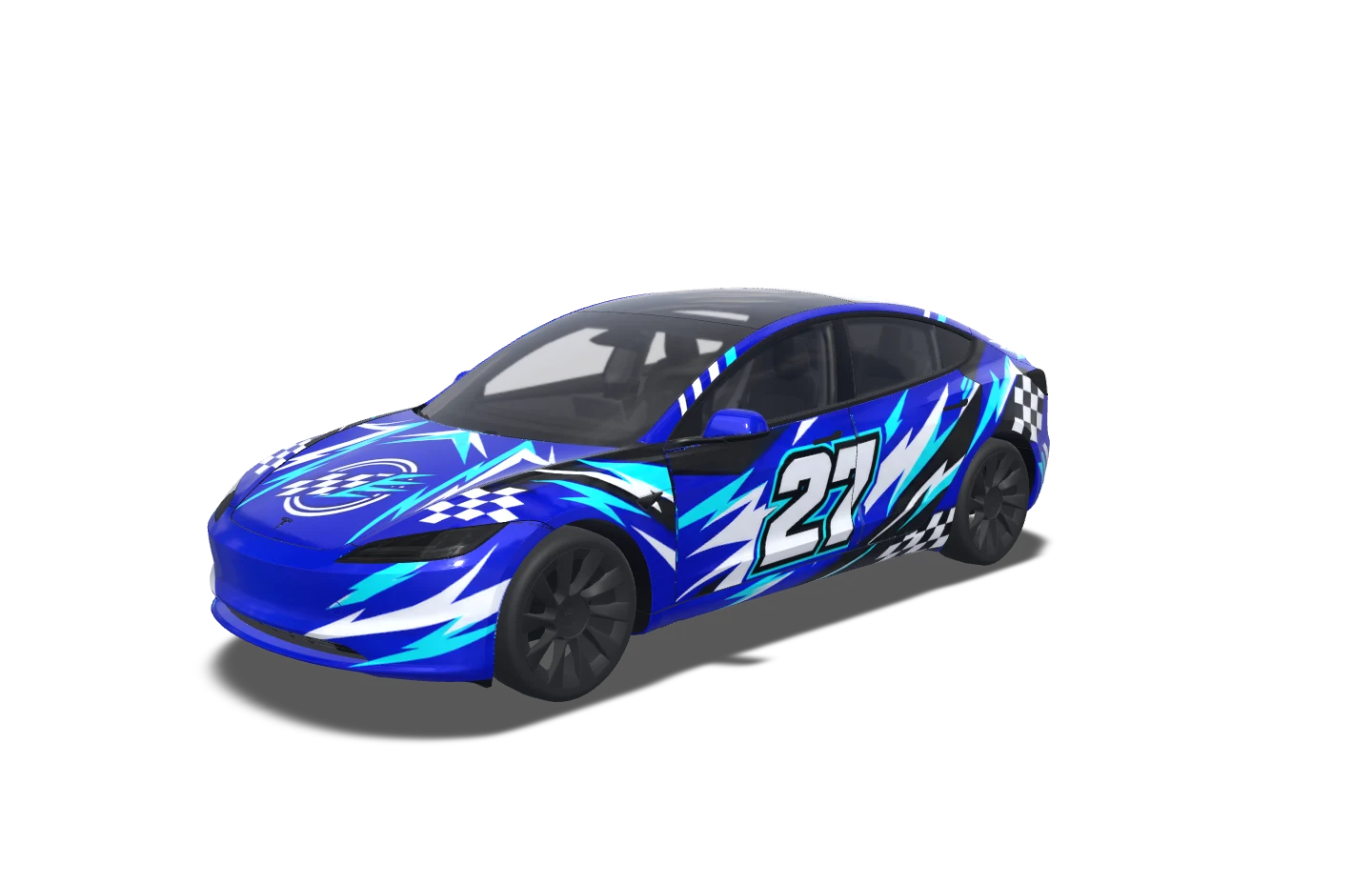
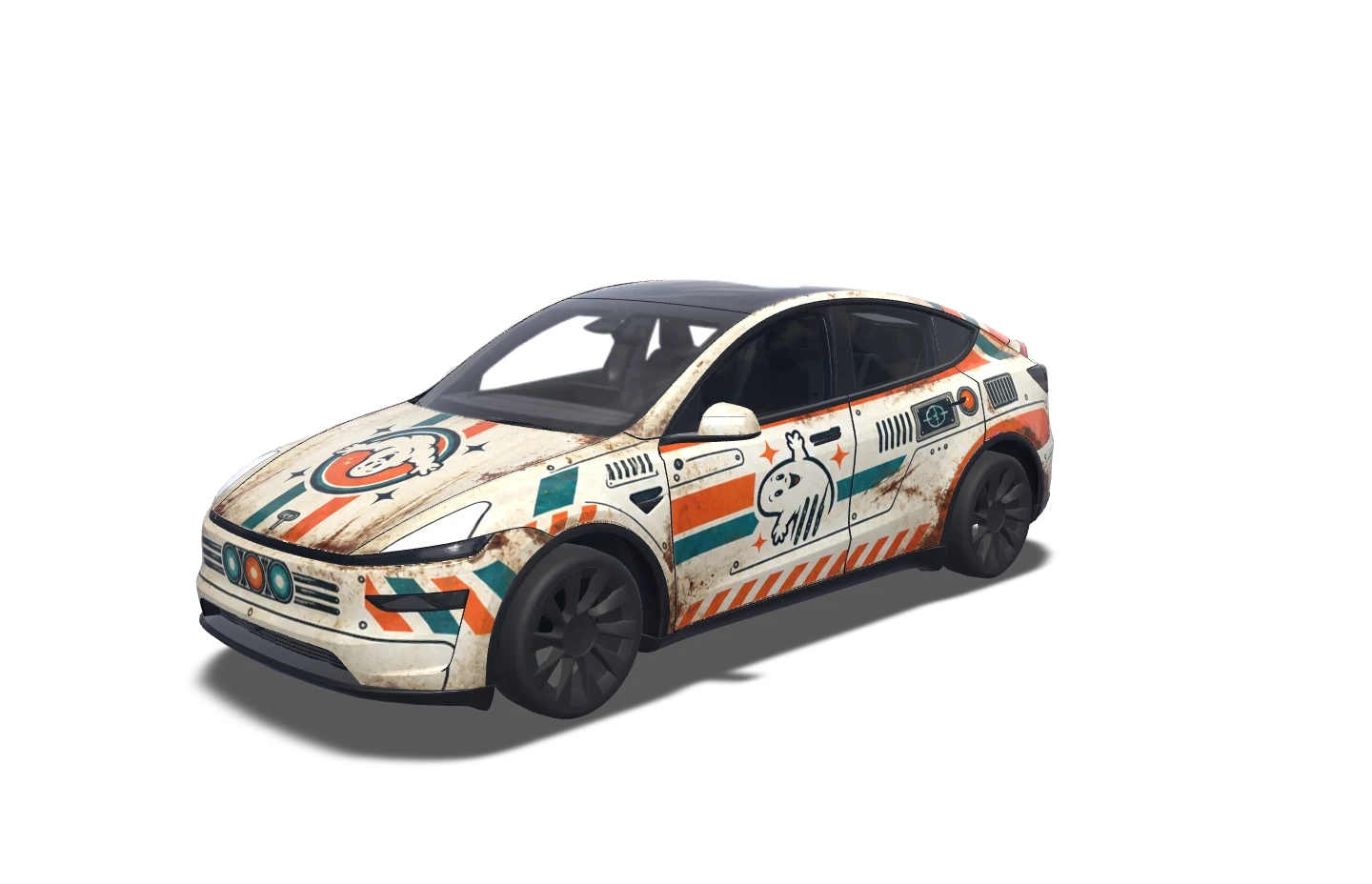
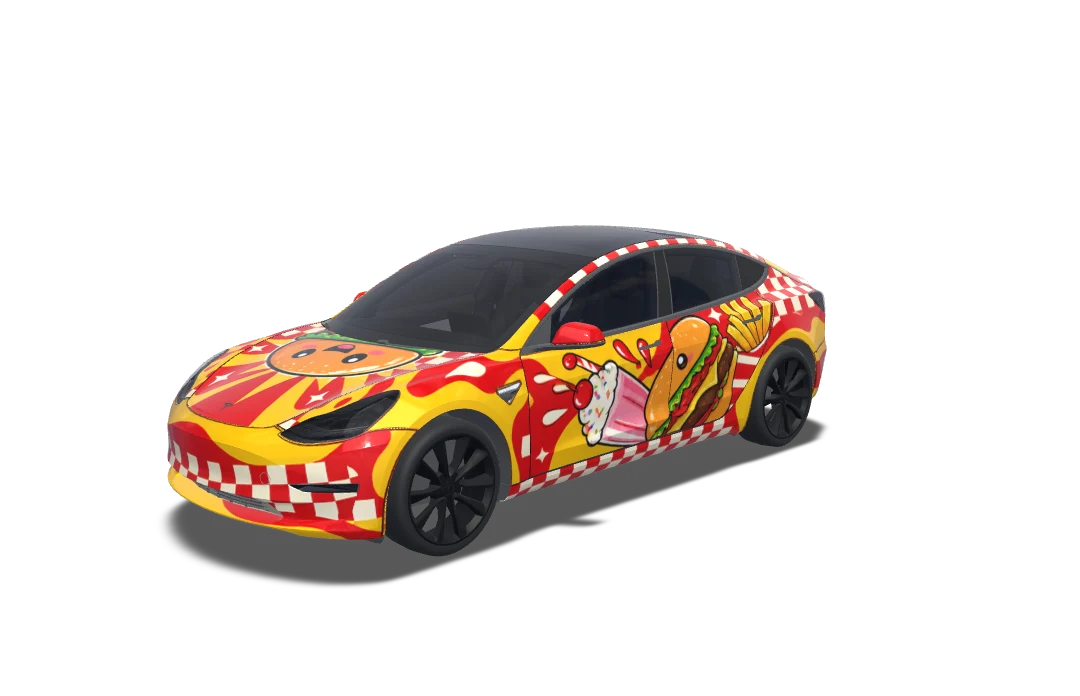
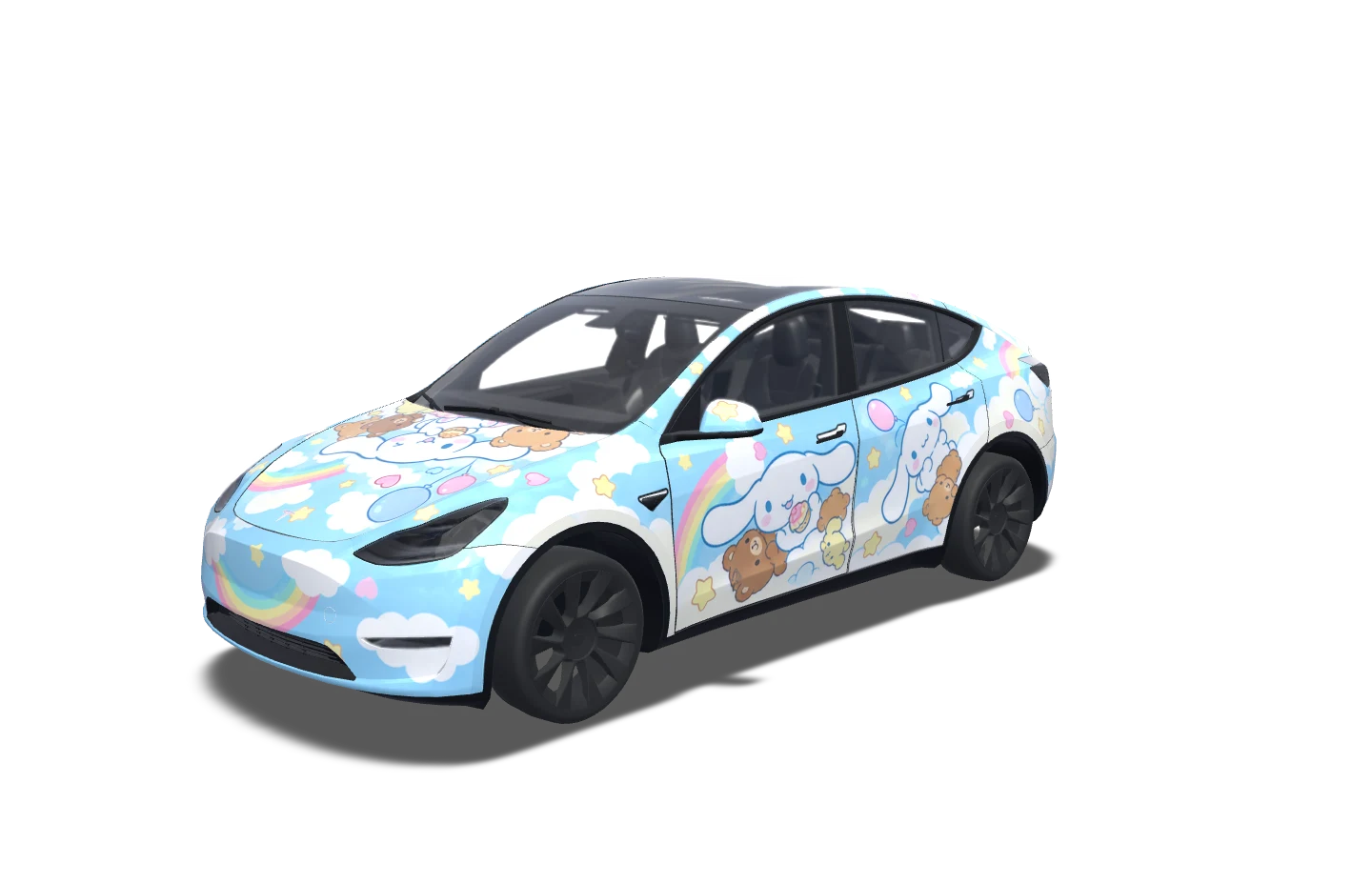
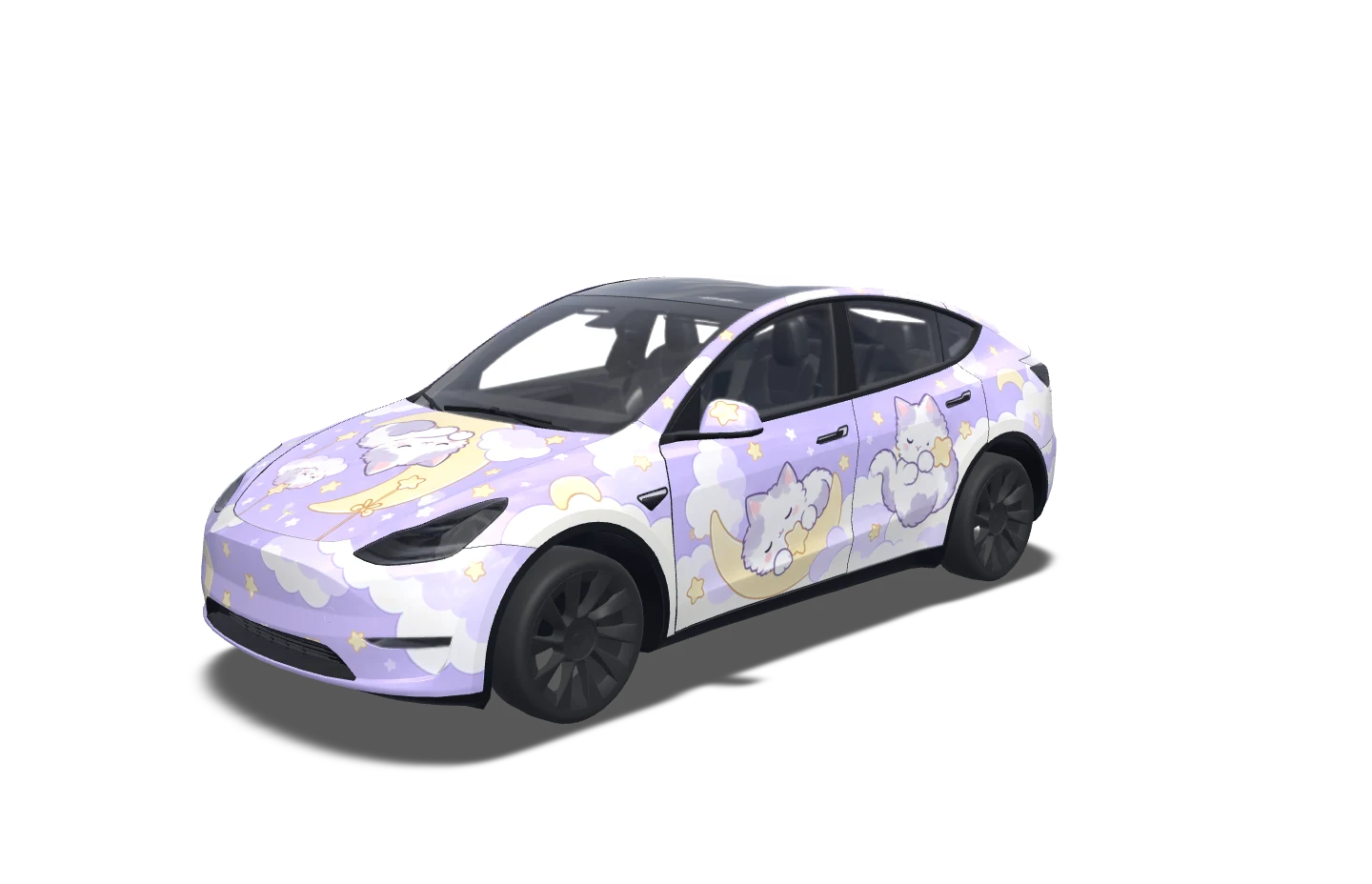
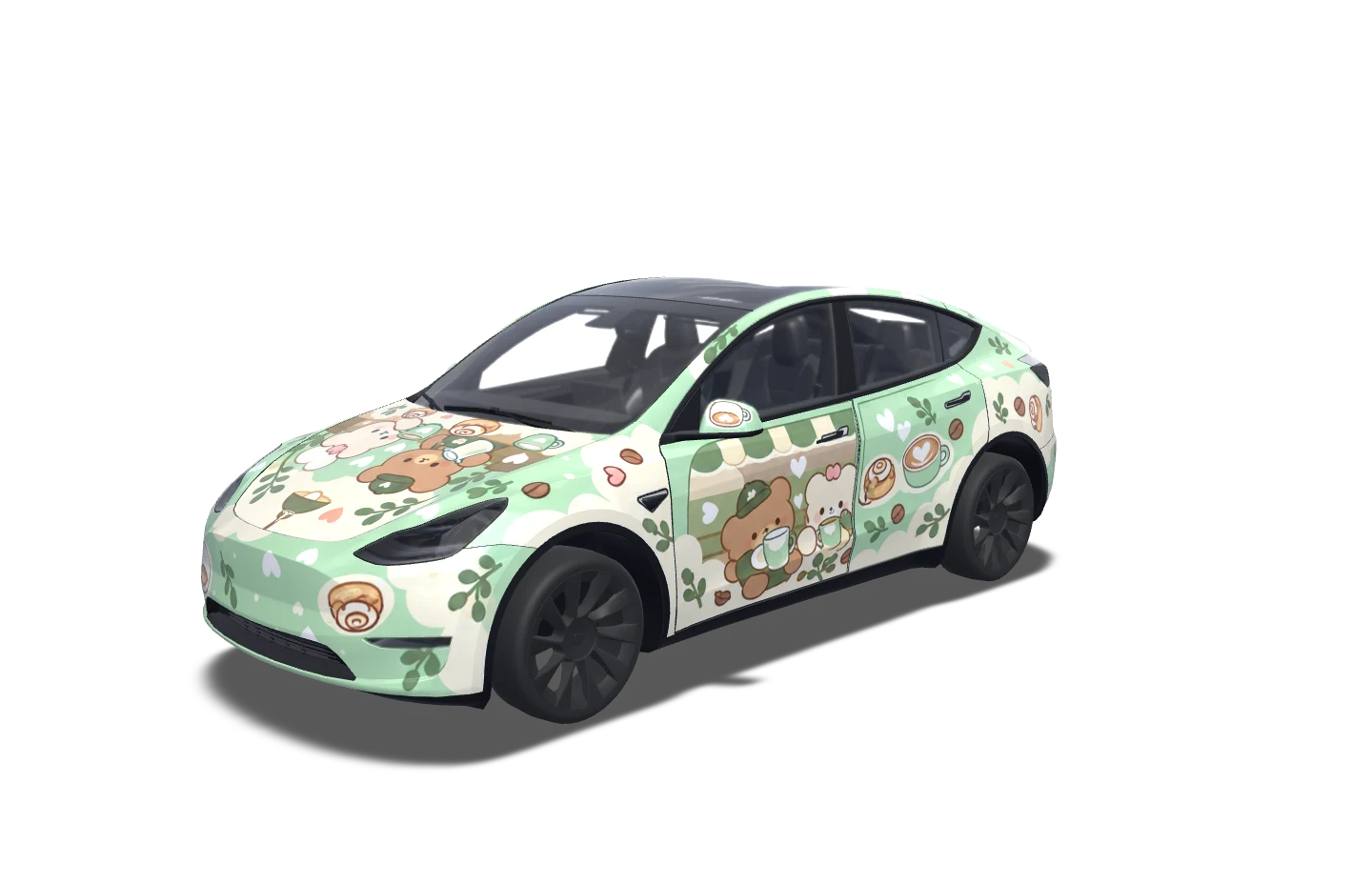
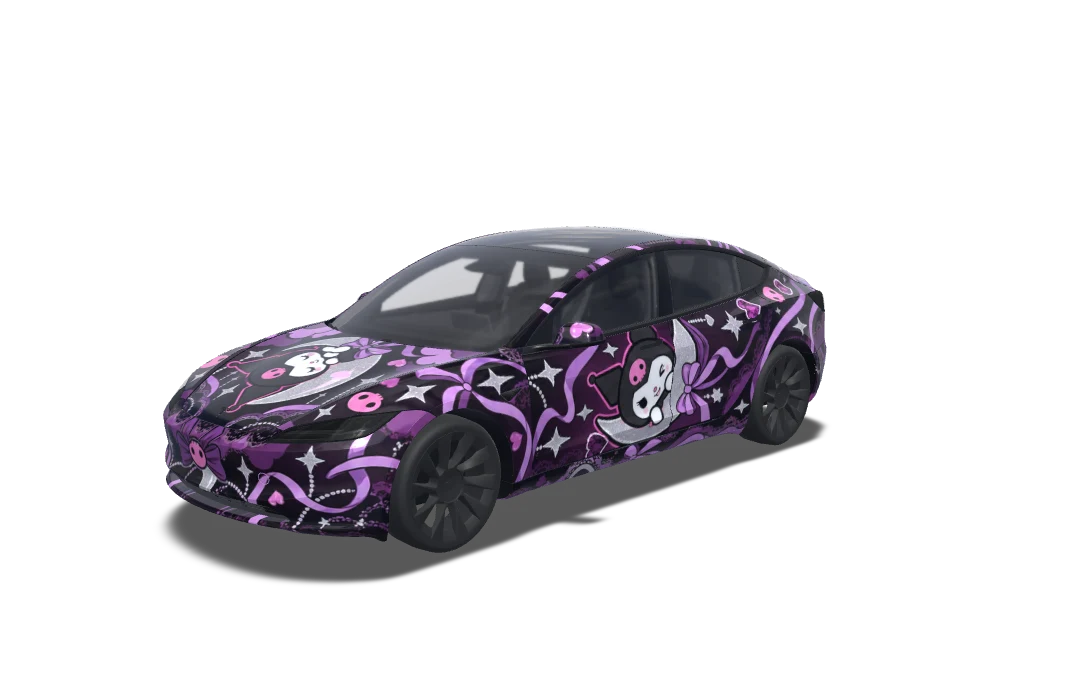
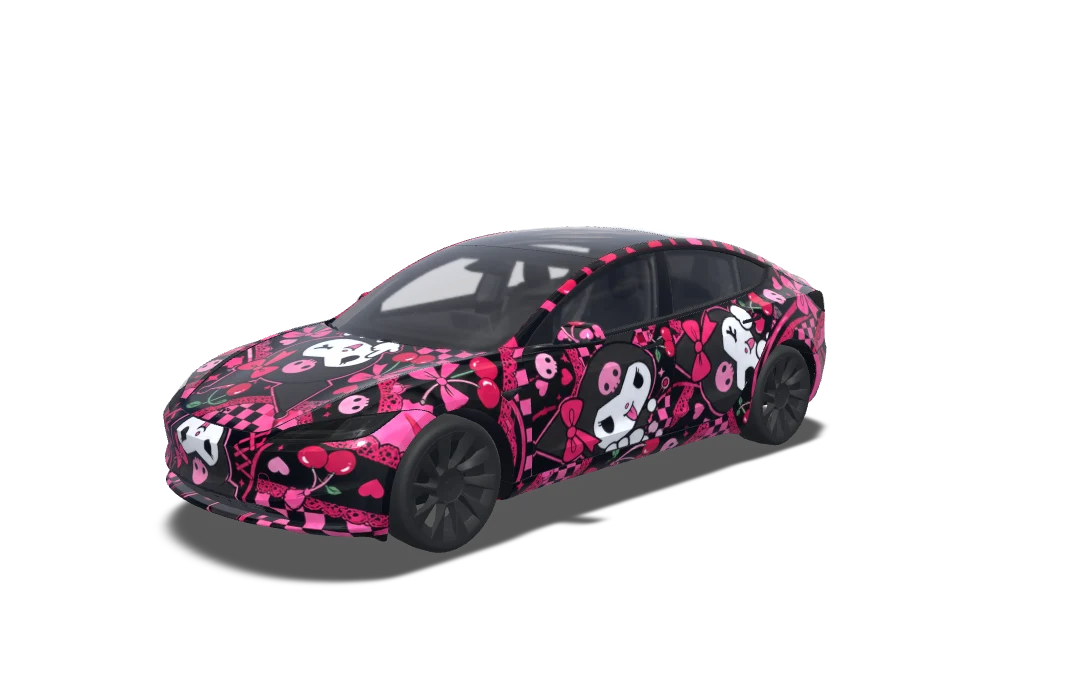
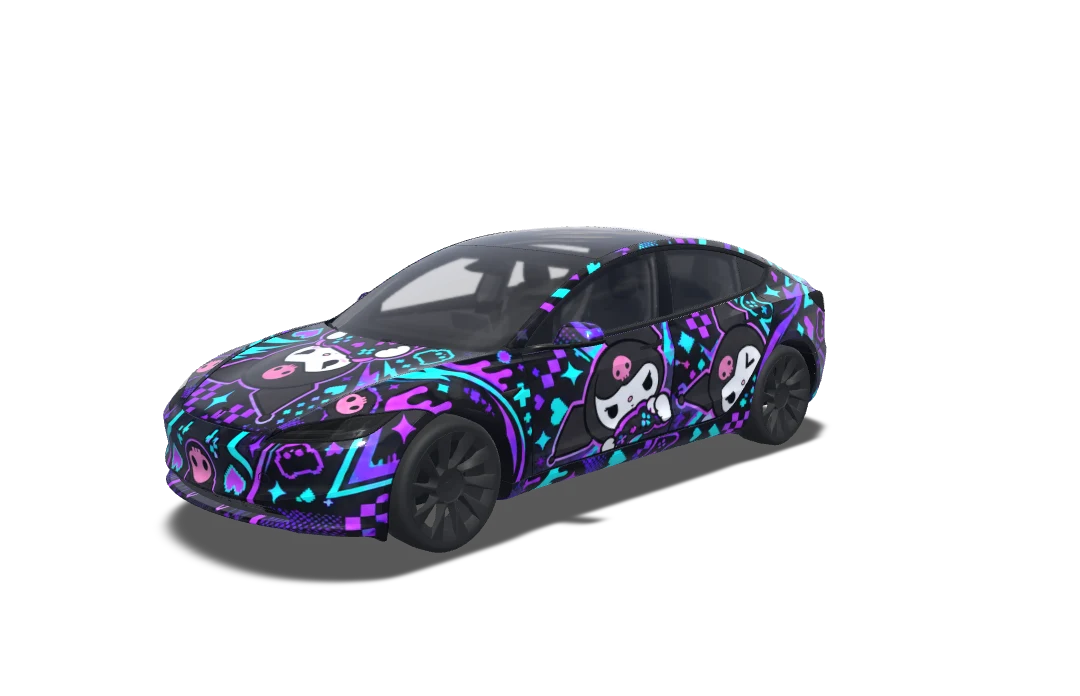
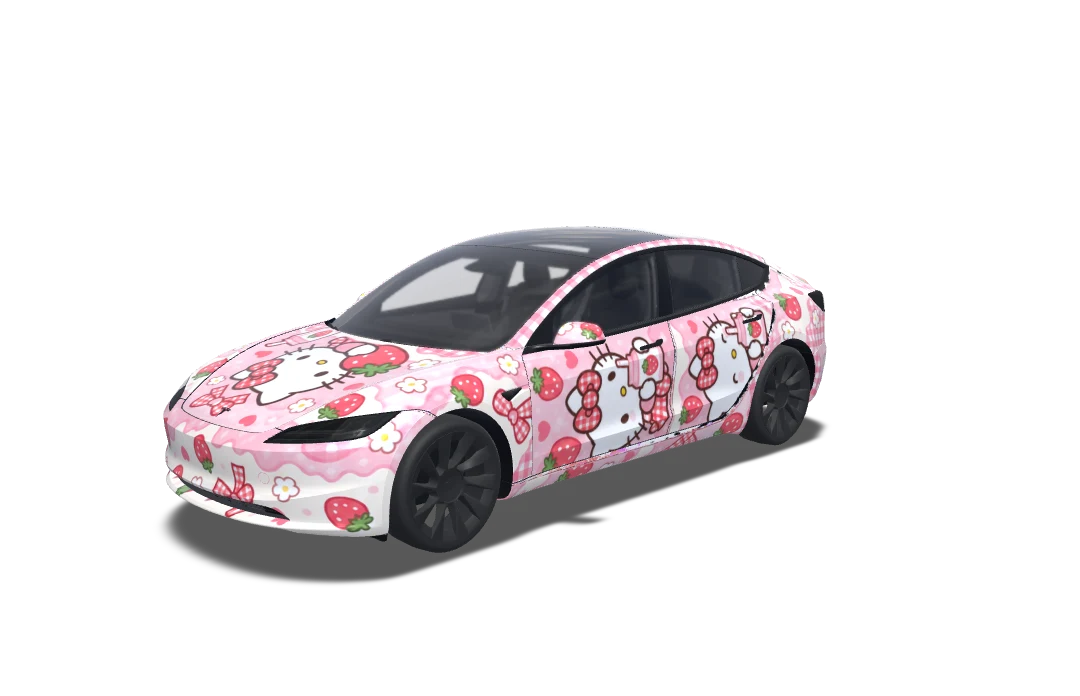
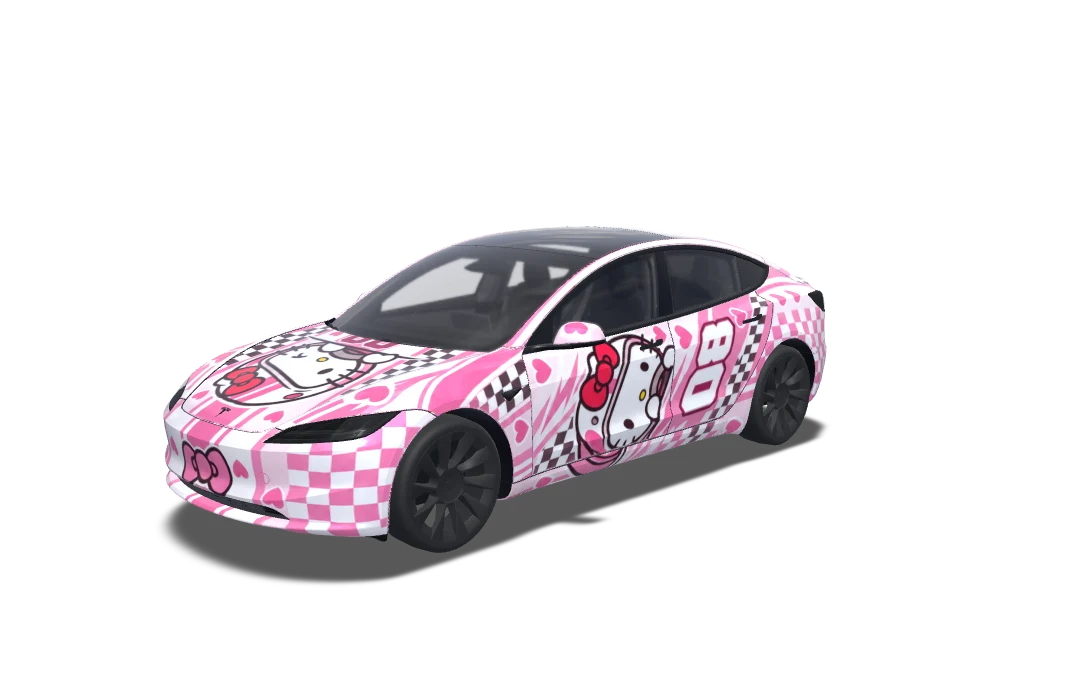
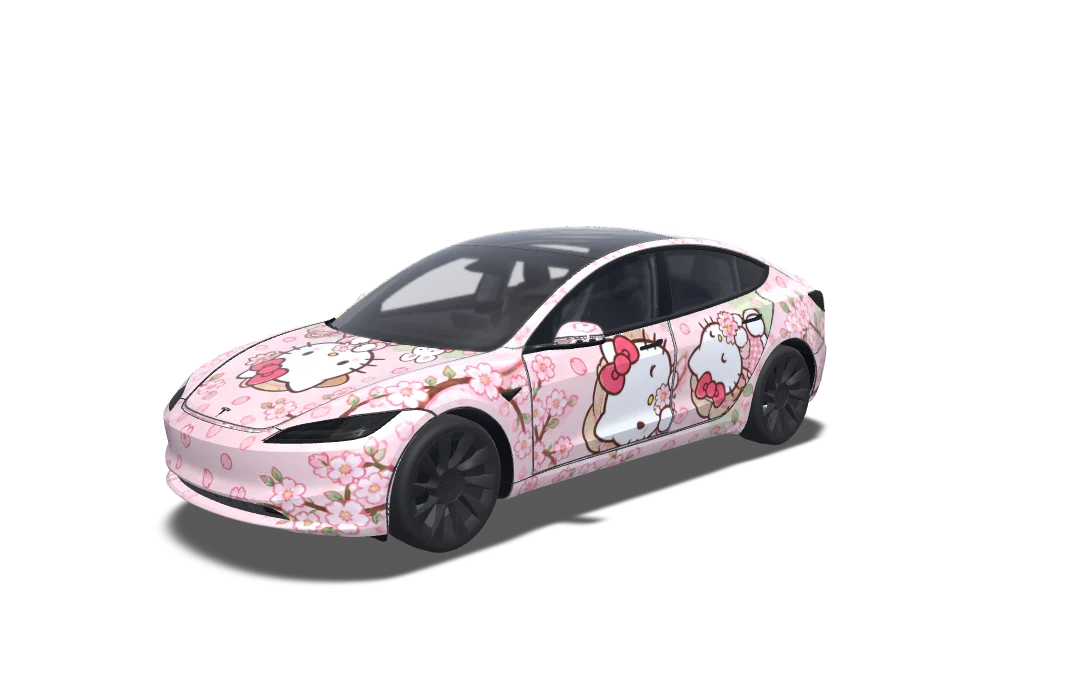
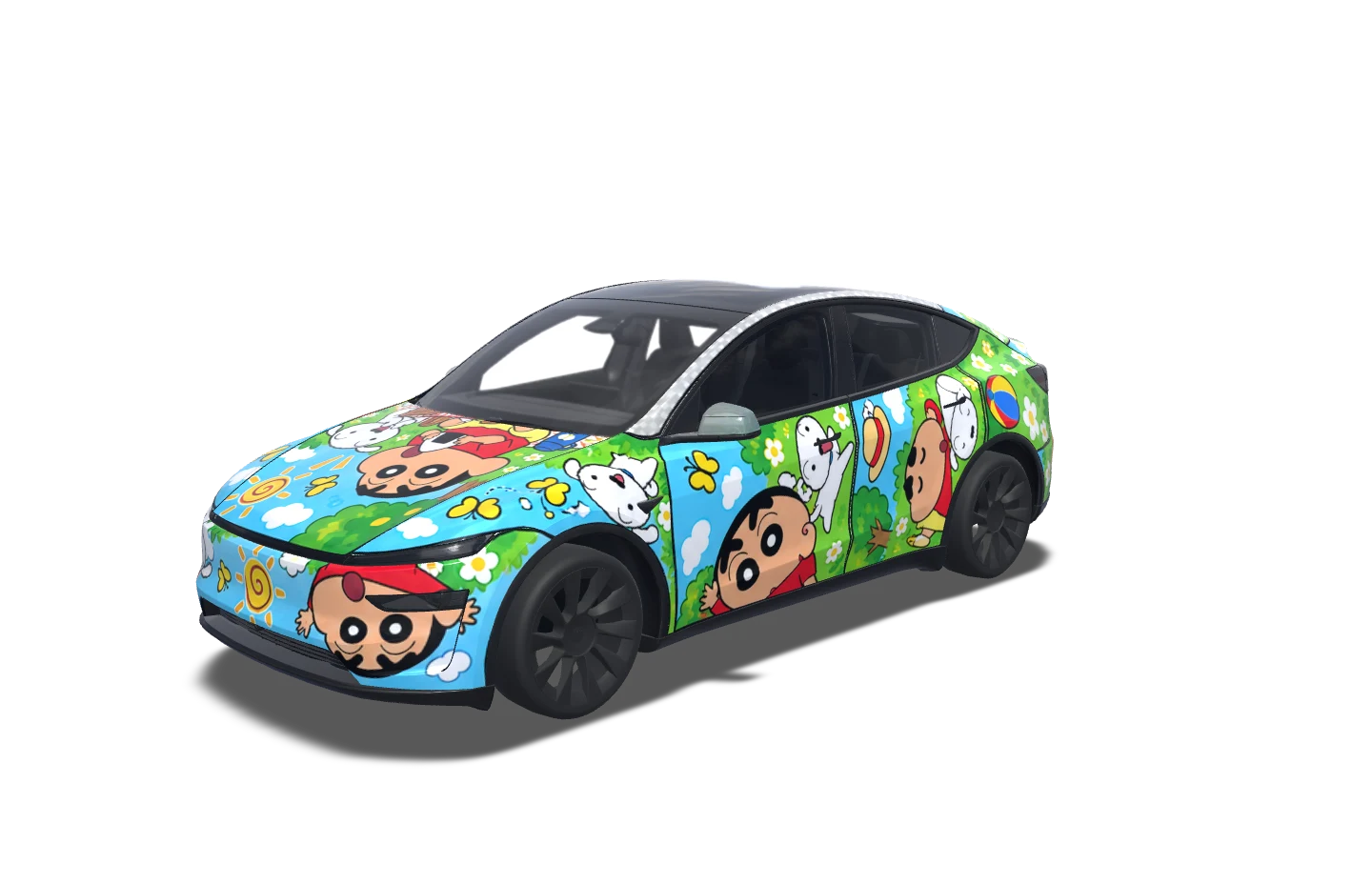
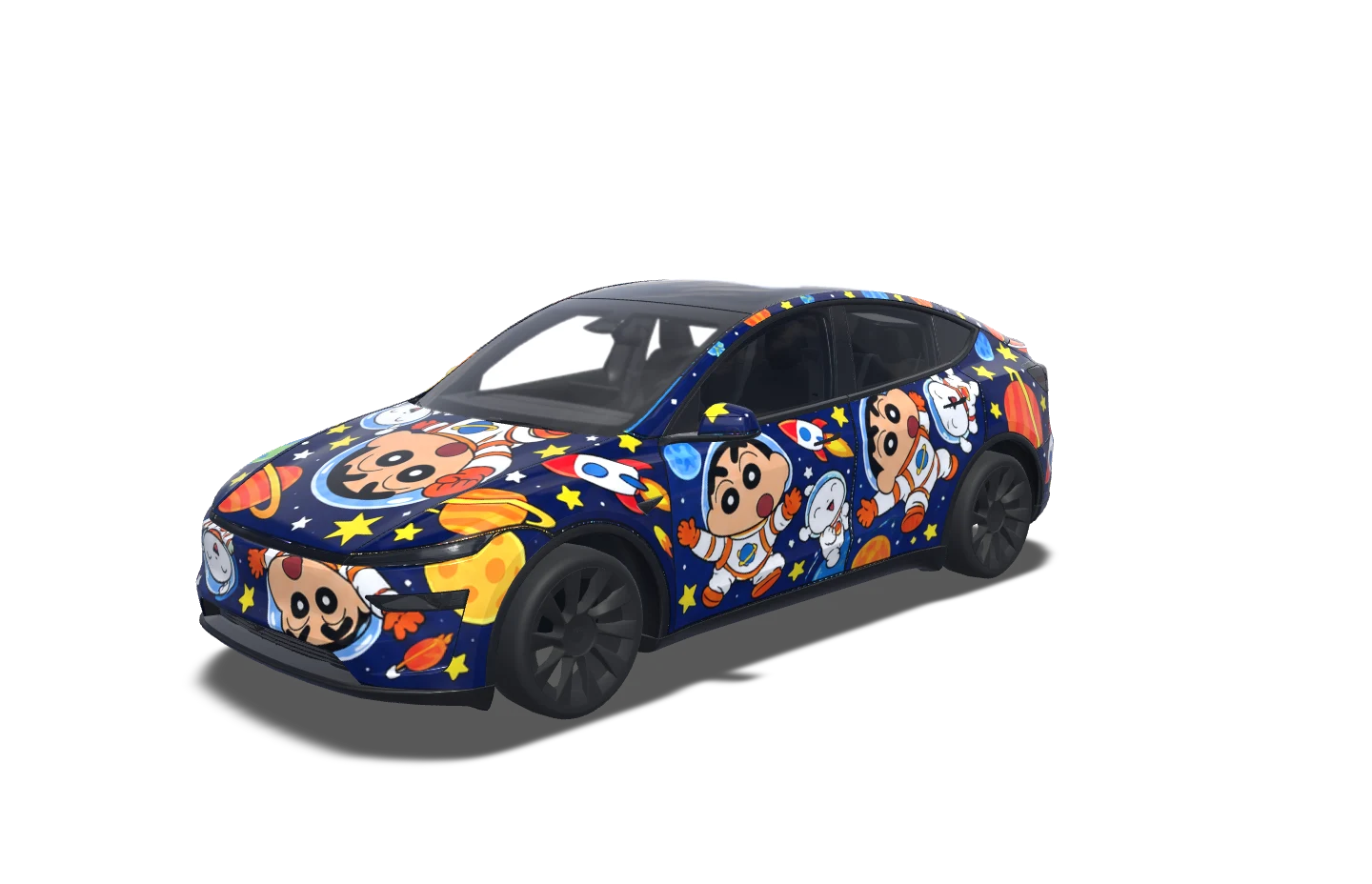
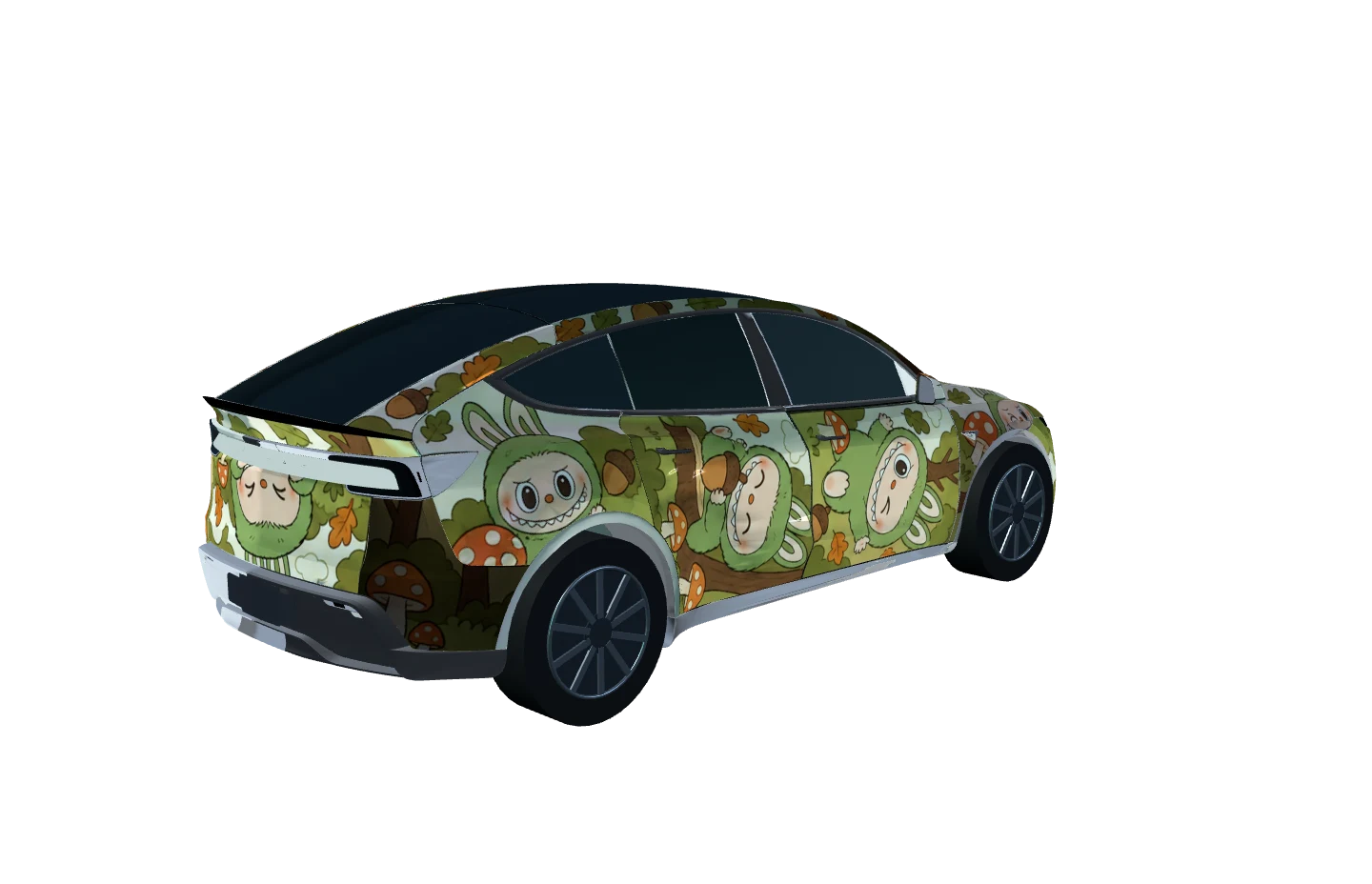
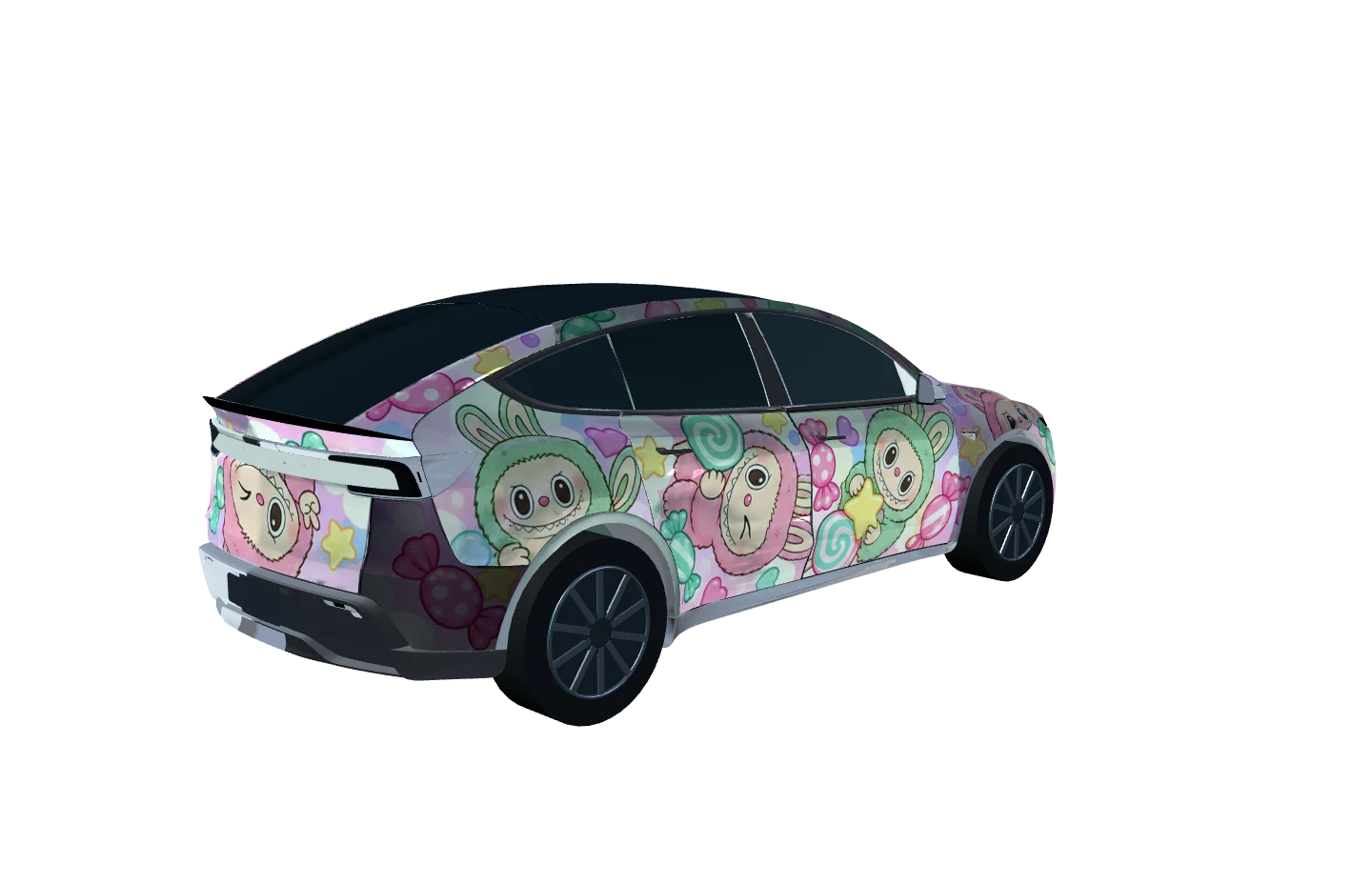
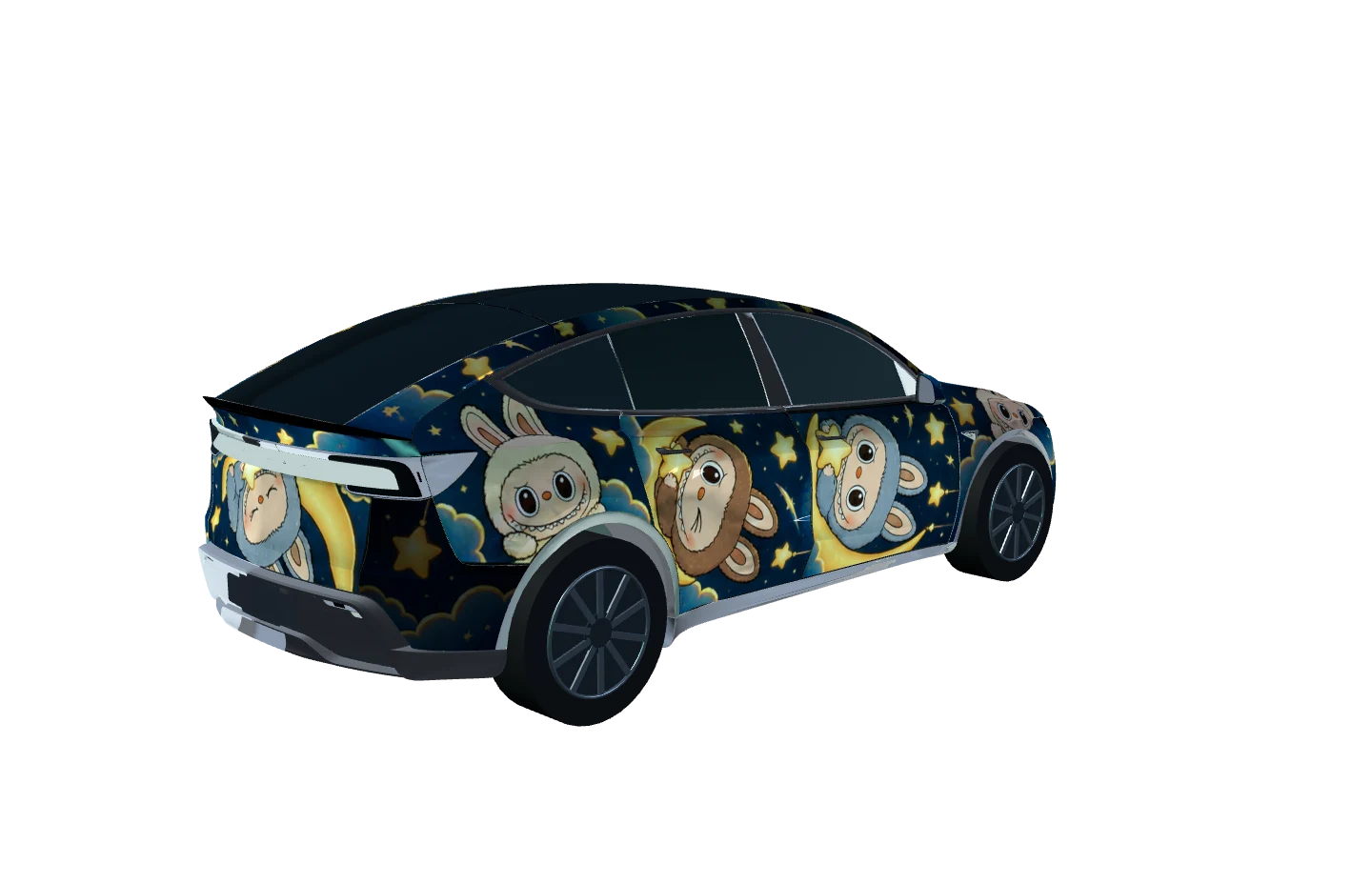
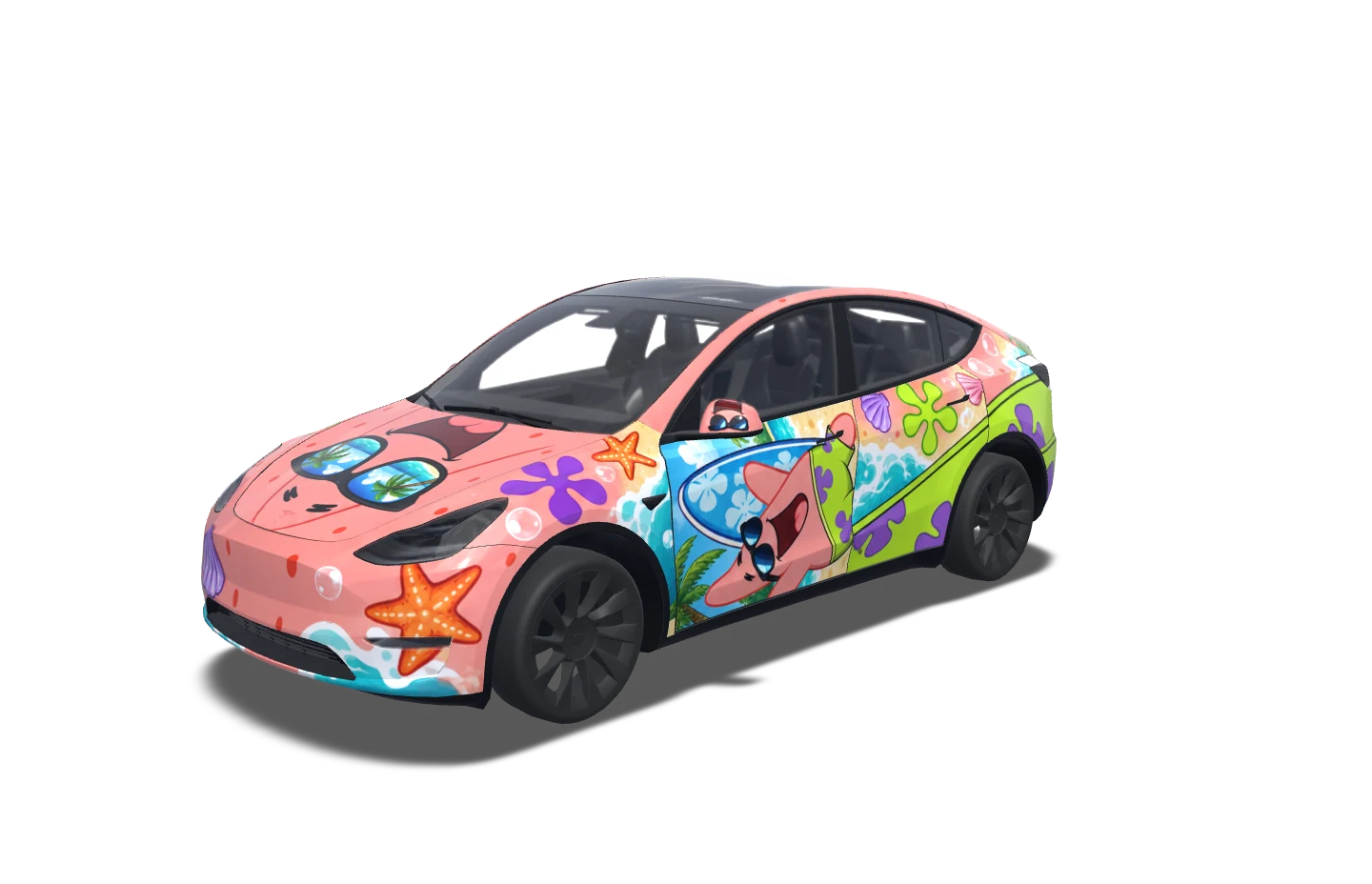
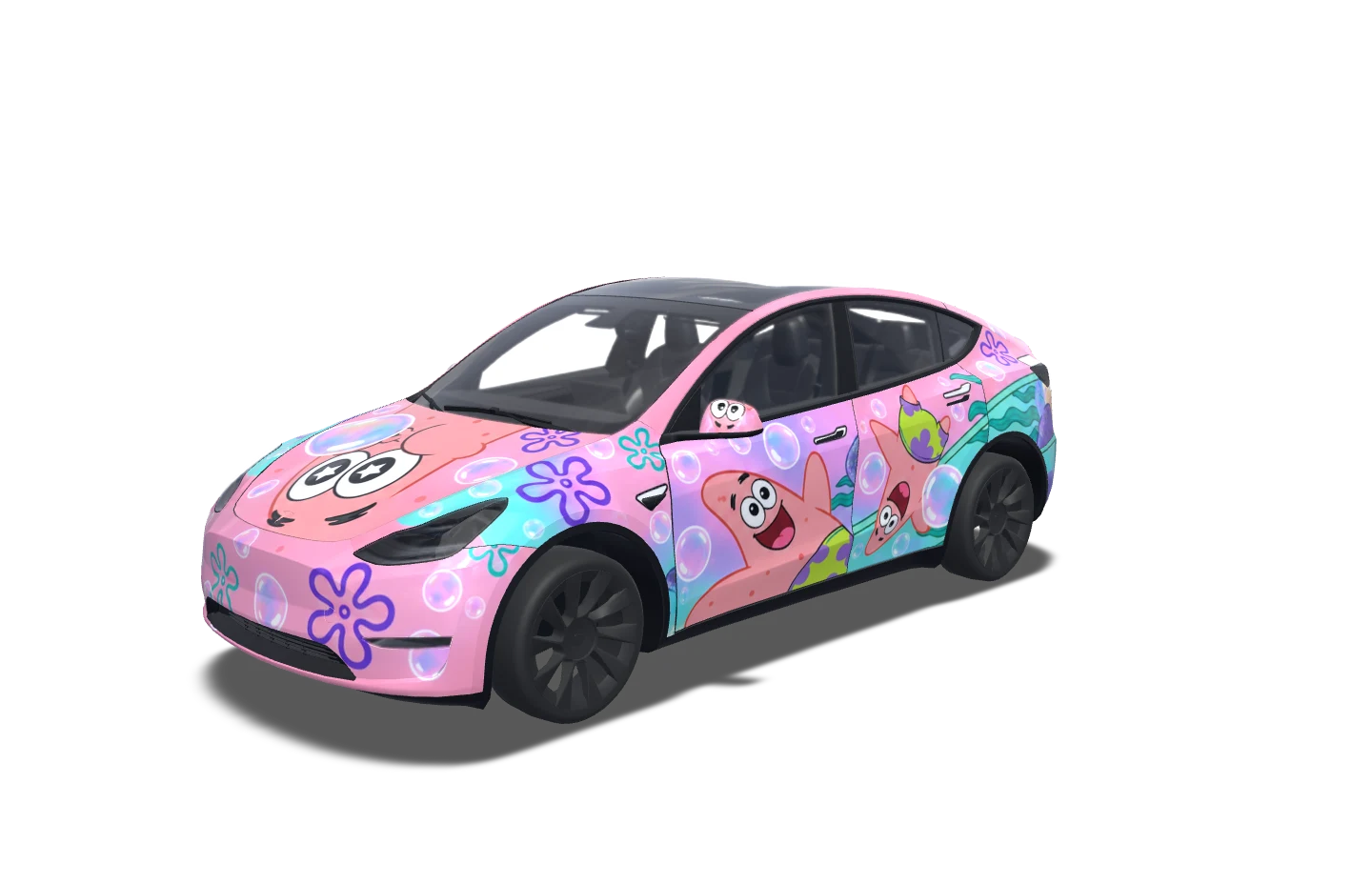
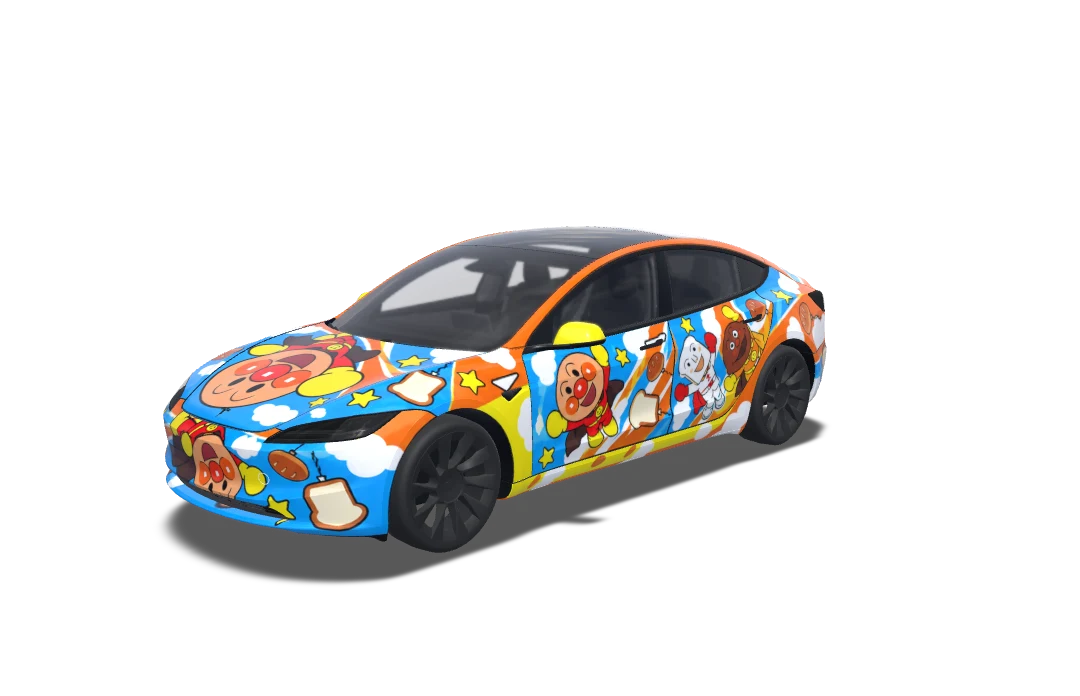
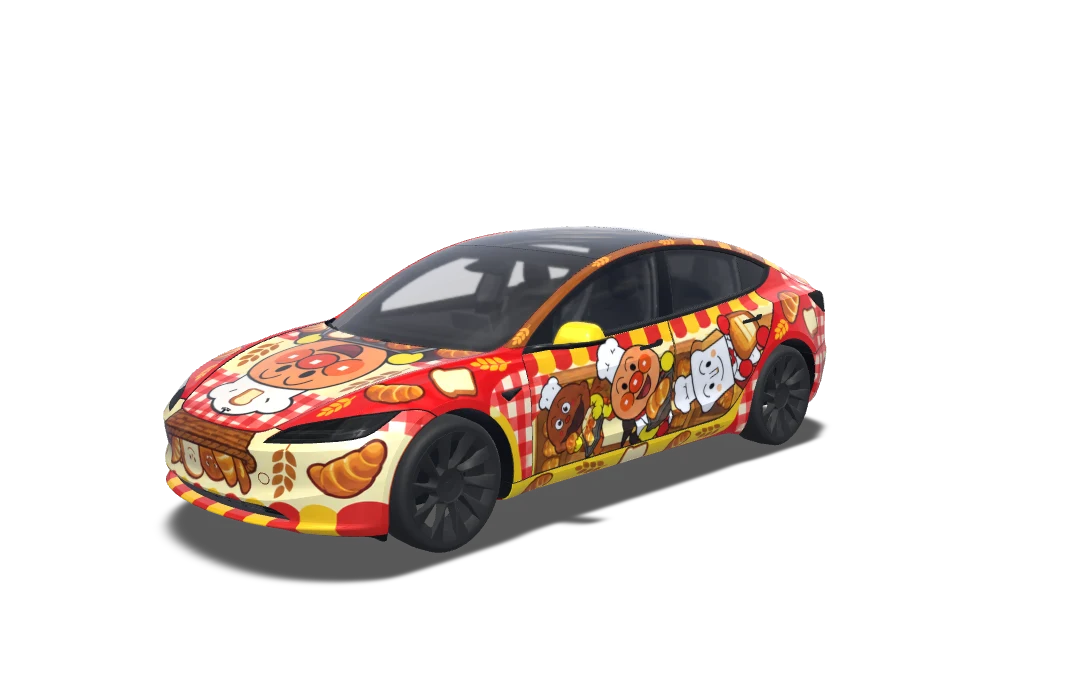
Browse Tesla Wraps in racing, pastel, comic and abstract styles. Pick a starting point, open its matching editor and adapt the colors or artwork to your taste. These examples are digital concepts, not photographs of physical installations.
Browse all designsInside the studio
Inside the studio
Create Tesla Wraps in your browser without installing design software. Start with a reference image or a simple color idea; Photoshop is not required.
Build Tesla Wraps on a UV template matched to your supported model, year and trim. Use the preview to inspect placement across individual panels.
The editor clips Tesla Wraps artwork to the template’s paintable areas. Adjust your layers freely while the mask keeps the export within the panel boundaries.
Export Tesla Wraps as PNG files for a supported Paint Shop workflow. Availability depends on your model and software; the guide explains the next steps.
Design Tesla Wraps with the core editing and PNG export tools without an account. Optional AI generation is separate and requires sign-in and credits.
Sign in to save Tesla Wraps projects to your account and reopen them on another device. Generated images are stored online.
02 / The idea lab
Describe Tesla Wraps with a palette, theme and composition. Try warm ivory with ink blossoms or black with fine gold lines. Keep important details away from panel edges, then review the generated result before using it.
AI generation requires sign-in and credits.03 / Find your canvas
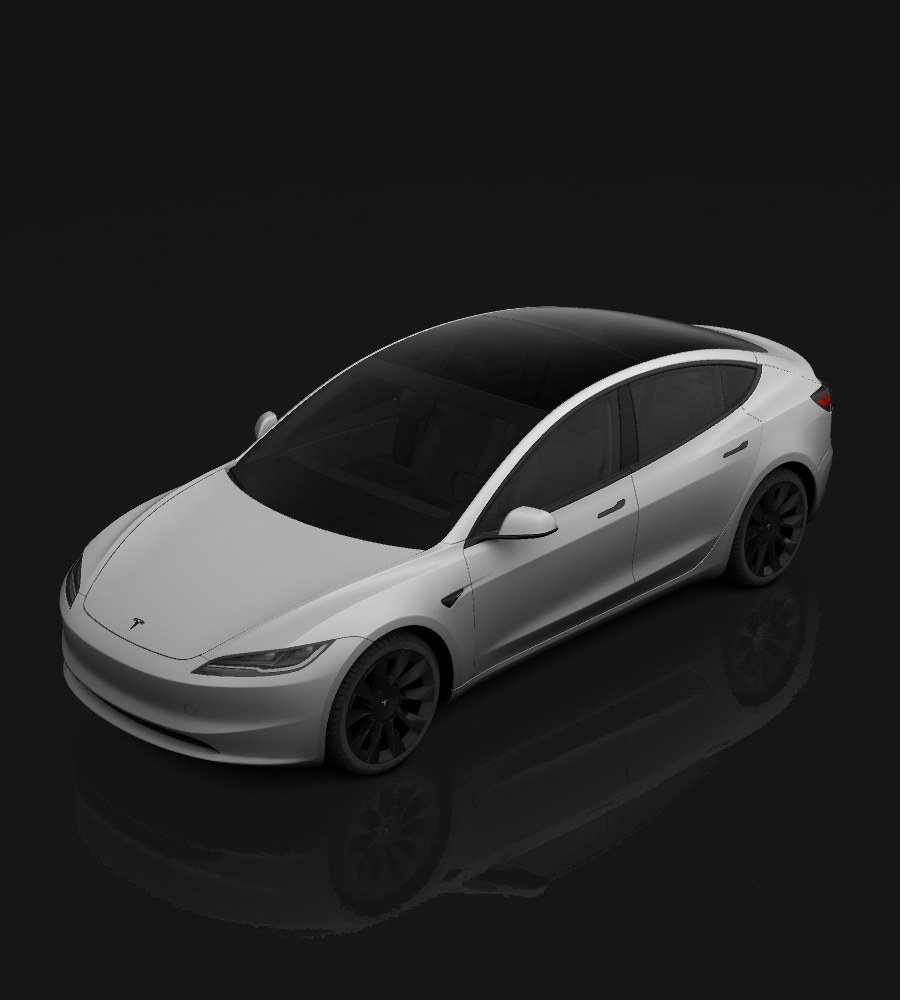
Choose Tesla Wraps for your exact model, year and trim. Similar vehicles can use different panel layouts, so check the edition before adding artwork. A design for one template should not be assumed to fit another.
Select your edition
2024+ · Standard & Premium2017–20232024+ · PerformanceChoose Tesla Wraps for your exact model, year and trim. Similar vehicles can use different panel layouts, so check the edition before adding artwork. A design for one template should not be assumed to fit another.
04 / From studio to screen
These designs change the on-screen vehicle, not physical paint or vinyl.
Choose a matching template. Add images, text and shapes, then adjust the layers.
Download a PNG: 512×512 to 1024×1024 pixels, no more than 1 MB.
Import through a supported mobile app or USB workflow, then apply in Paint Shop.
How to use
Design Tesla Wraps with the core editing and PNG export tools without an account. Optional AI generation is separate and requires sign-in and credits.
No. PNG exports contain your artwork without an added watermark. Export is free; optional AI generation requires sign-in and credits.
Purchased and package bonus credits do not expire. Use them at your own pace.
Select Buy credits in your account menu, sign in and choose a package to continue to checkout.
These designs change the on-screen vehicle, not physical paint or vinyl.
Yes. Upload PNG, JPG or WebP, add text and shapes, and adjust the layers.
Design Tesla Wraps with the core editing and PNG export tools without an account. Optional AI generation is separate and requires sign-in and credits.
Import through a supported mobile app or USB workflow, then apply in Paint Shop.
Same roads. Different you.
Start designing